Everything you need
for a successful service.
Text projection, team coordination and internal communication — all from a single app, on any screen.
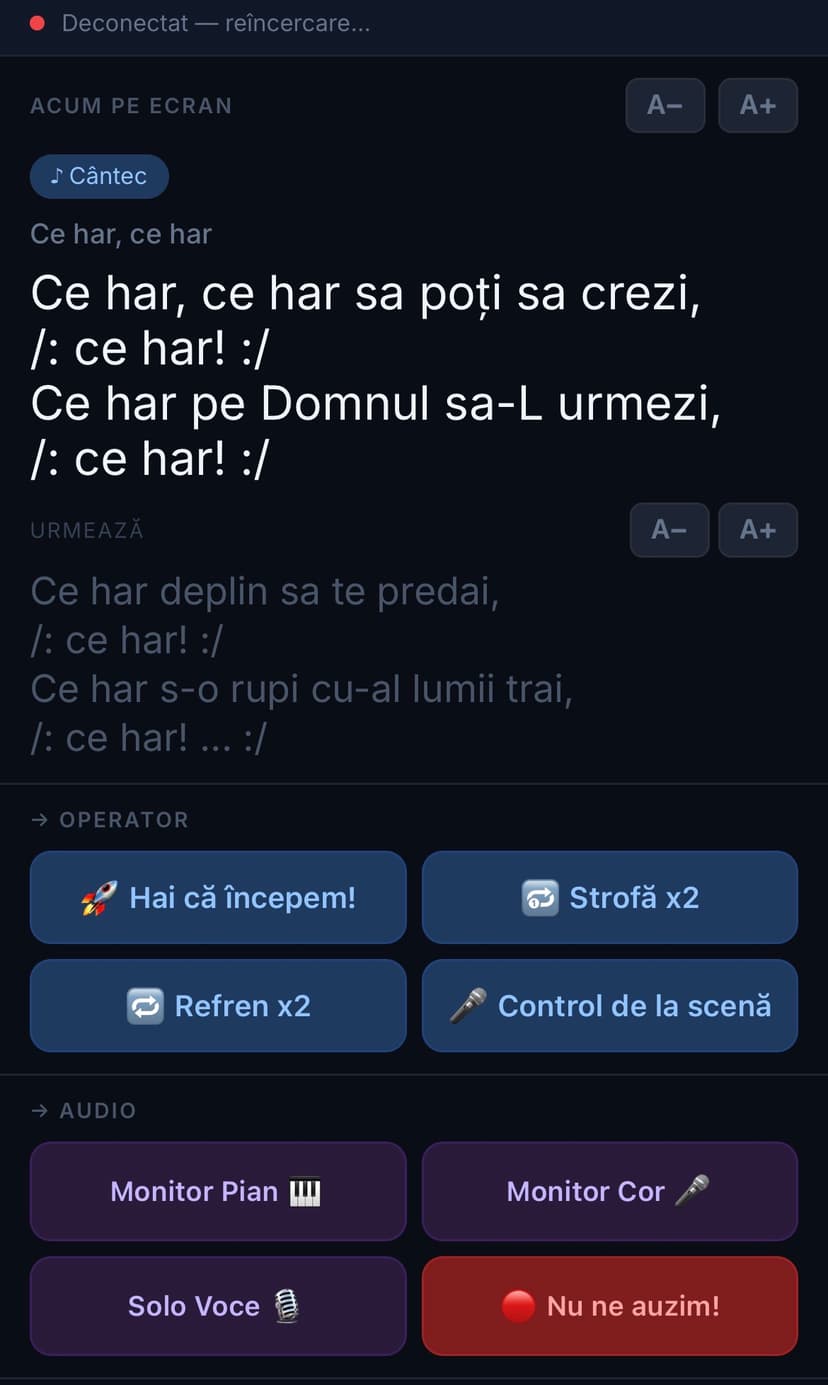
The service starts on time.
On its own.
Set the start time and add your intro videos and images. The app plays them in a loop, starts the countdown by itself and shows your welcome message right on time — all you do is press “Start”.
Looping intro
Announcement videos and images, playing continuously while people arrive.
Automatic countdown
Starts 30 seconds before the set time, no click needed.
Welcome
Your welcome message, exactly at start time.
First song
Taken from the service list, ready to project when you give the cue.
- ✓ Reorder videos with drag & drop and choose how long each image stays
- ✓ Warning if the intro is longer than the time left
- ✓ Shows on the projector and on the live stream (OBS / vMix) at the same time
Clear text.
Maximum impact.
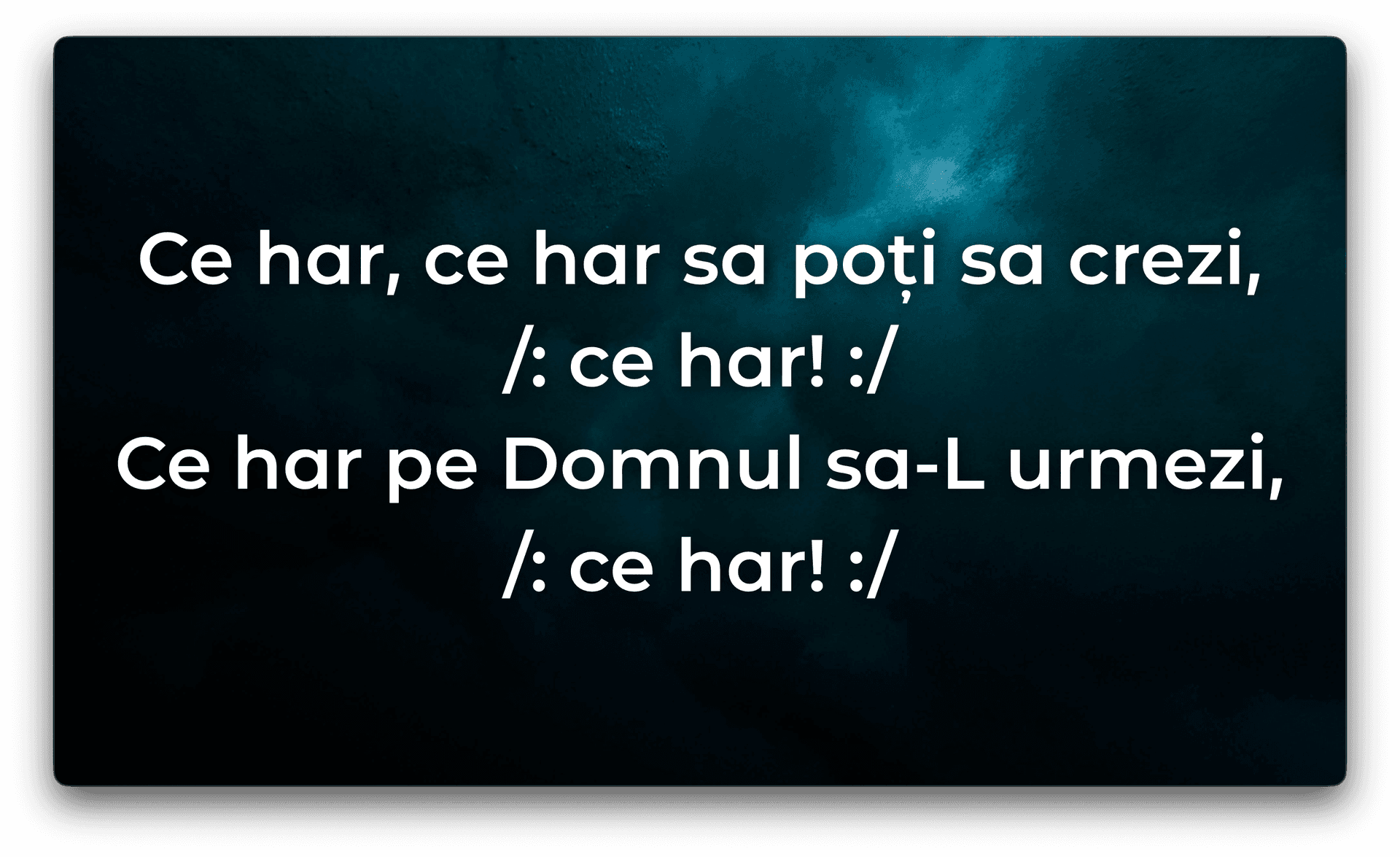
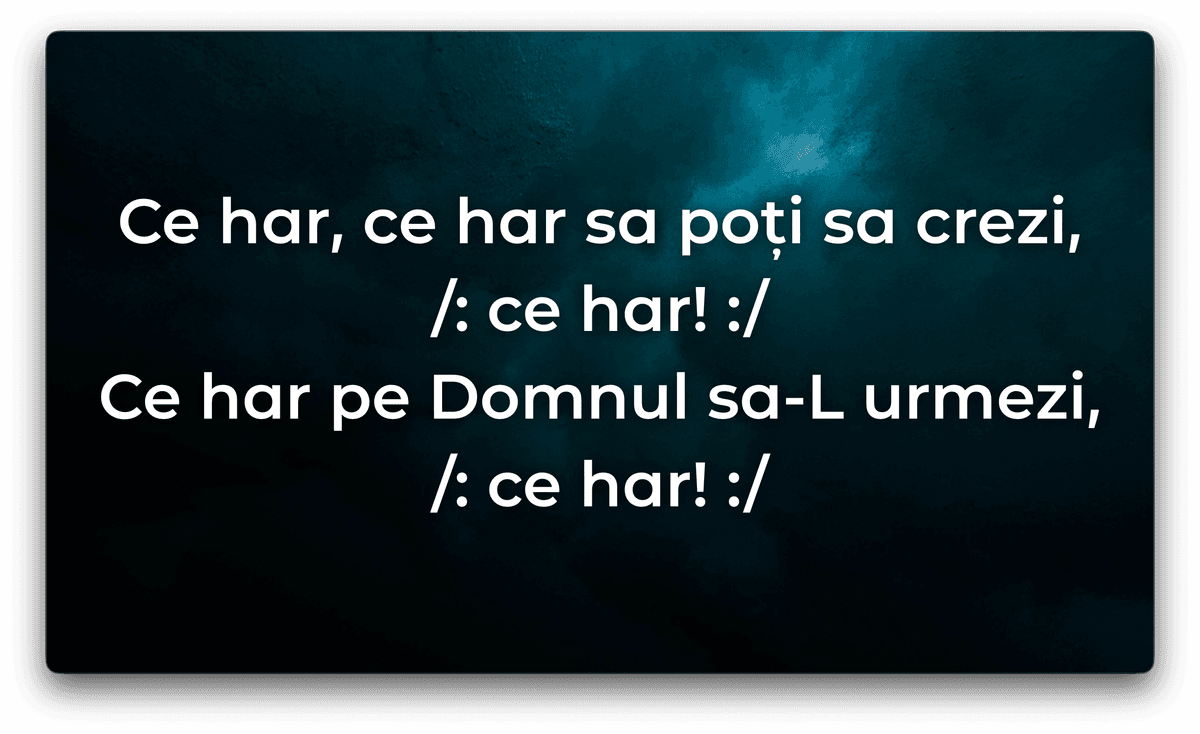
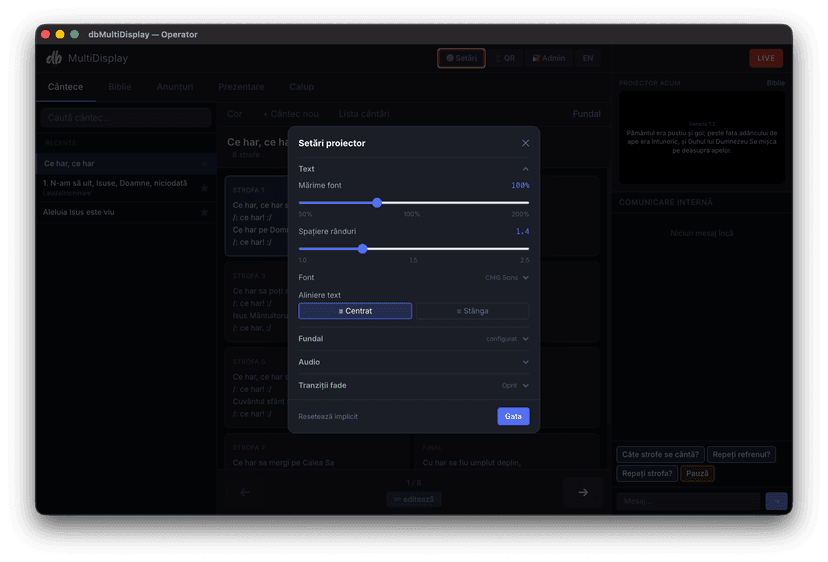
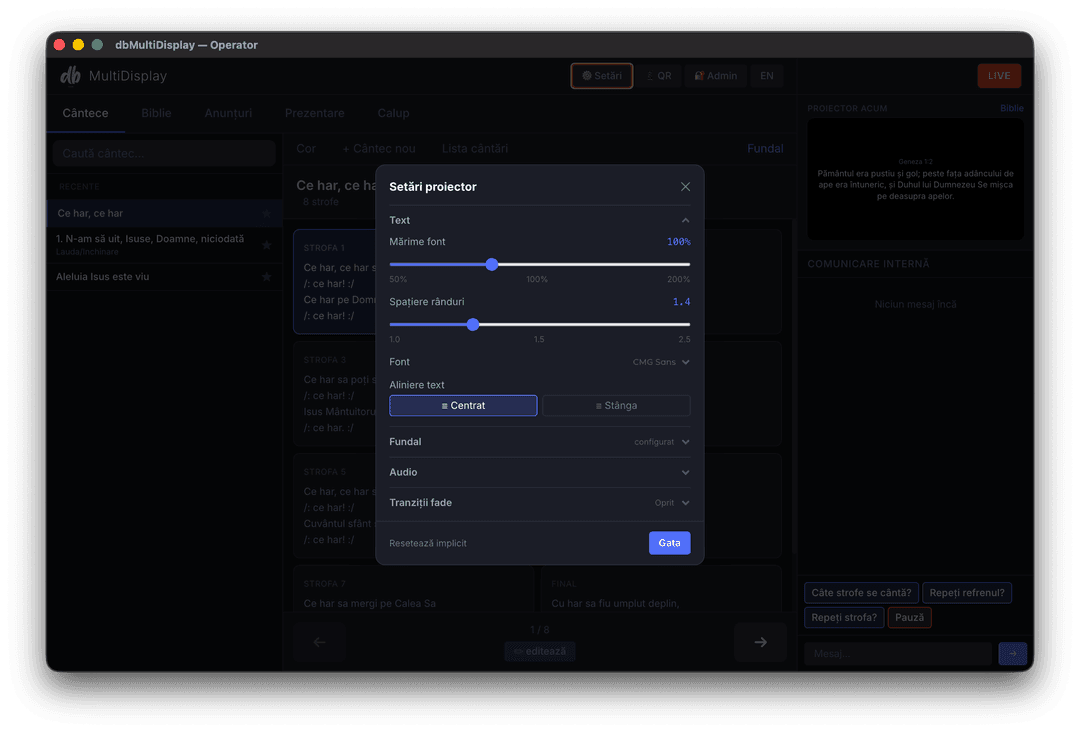
Songs, Bible verses, announcements and presentations — on the church's big screen, with atmospheric backgrounds, configurable fonts and smooth transitions.
- ✓ Optional library of 3,000+ Romanian songs, one-click download
- ✓ Bible in 4 versions: Cornilescu, NTR (Romanian), KJV (English), Hungarian
- ✓ Video clips and images on the projector screen
- ✓ Configurable fonts, sizes and alignment
- ✓ Backgrounds: images, solid colors, looping video
Full control
from a single place.
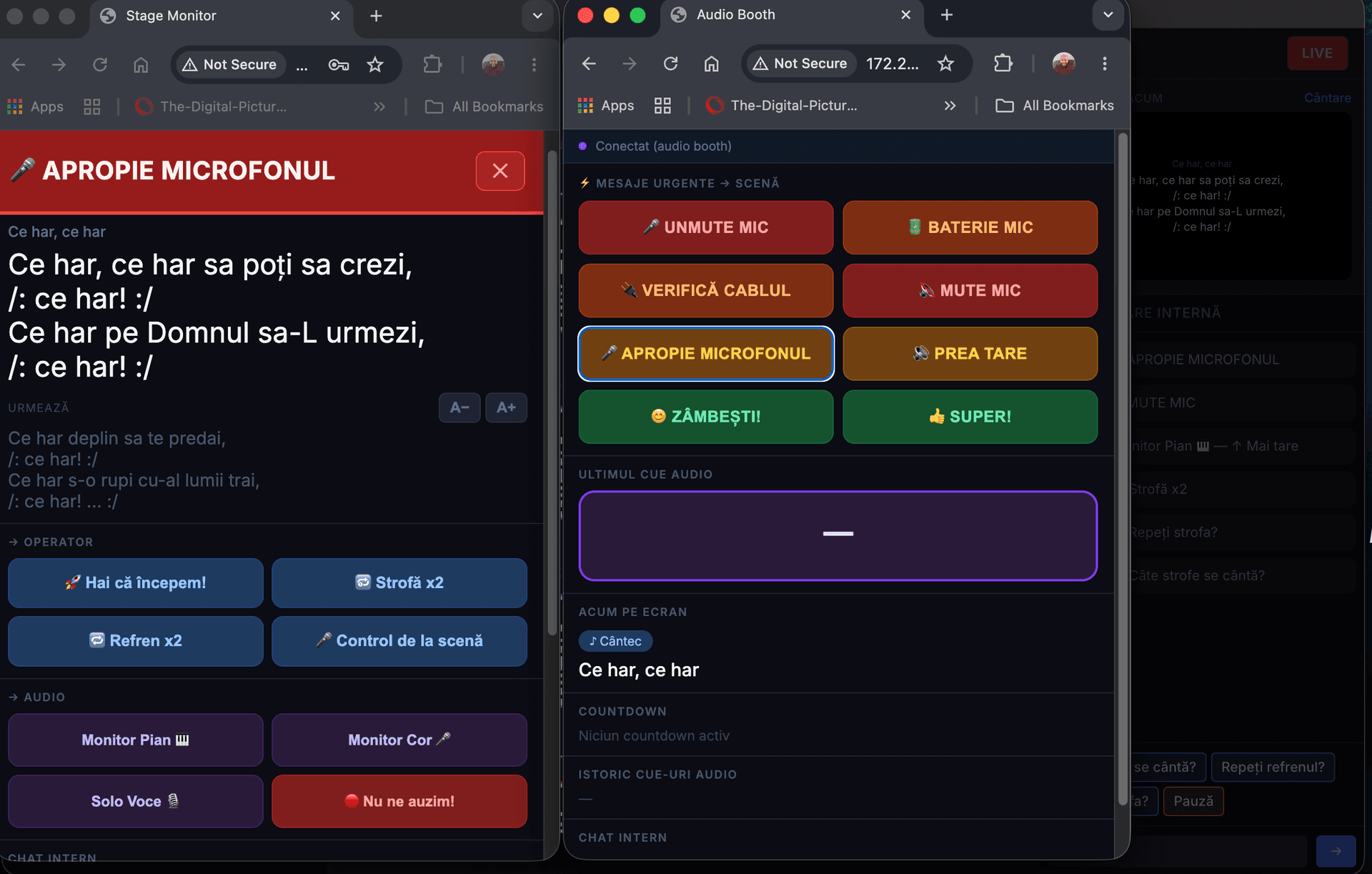
Songs, Bible, announcements, presentations and media — all accessible from the same panel, with live projector preview.
- ✓ Fast arrow navigation through verses
- ✓ Instant search across the entire database
- ✓ Integrated projector preview in the interface
- ✓ Internal communication with the whole team
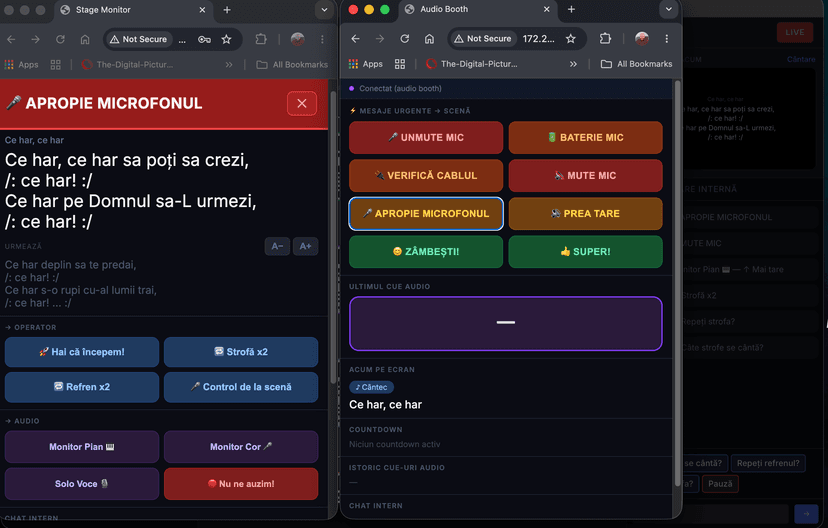
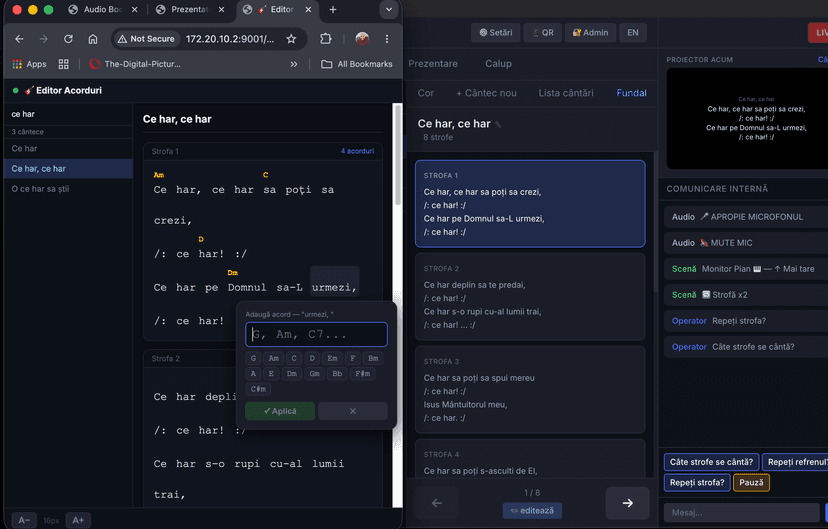
Every role, its own interface.
All interfaces connect through the local network. No internet, no accounts, no complex setup — scan the QR and you are live.
Scan QR.
Live instantly.
Each interface has its own automatically generated QR code. Team members scan with their phone and are connected — no login, no app to install.
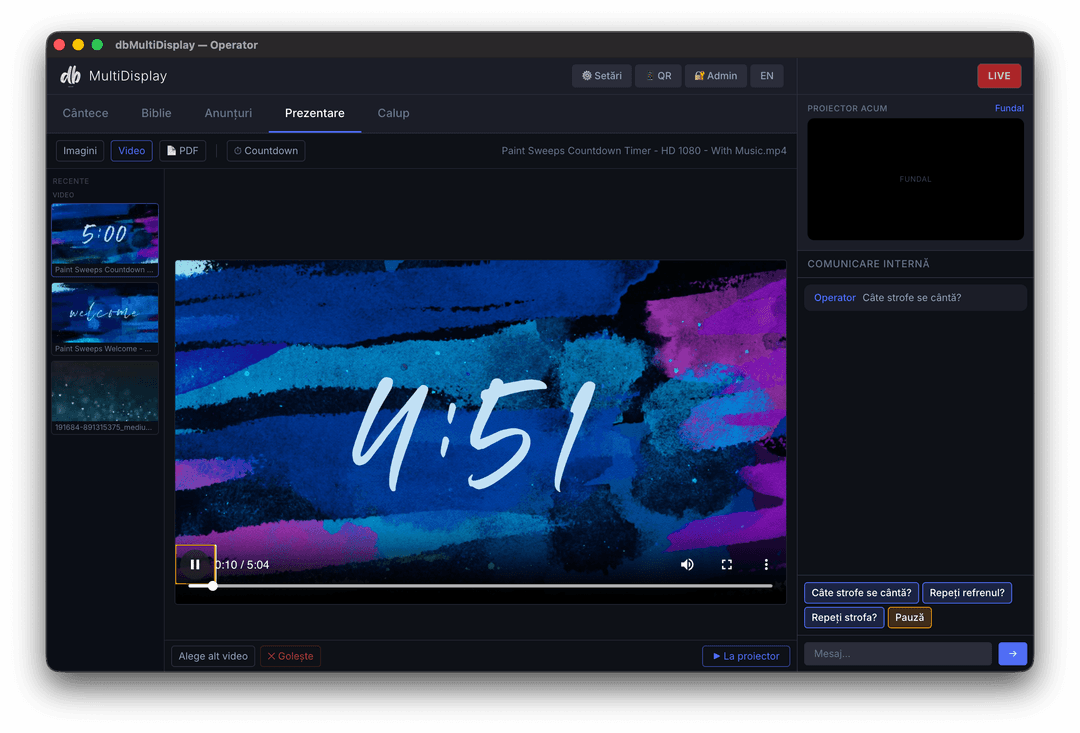
Video clips
directly on the projector.
Play video clips, countdowns and images on the big screen — from the same control panel, without external apps.
Lyrics and scripture
right on your live stream.
Add a single Browser source in OBS or vMix and the text appears automatically over your camera feed — in sync with what you project in the room. No capture card, no extra operator.
- ✓ Works with OBS Studio and vMix (Browser source)
- ✓ Transparent background — songs and verses appear as a lower third over the camera
- ✓ Bible reference shown above the verse
- ✓ Announcements, countdowns and videos go full screen
- ✓ The streaming computer can be a different one on the same network
One click.
On the projector.
Templates for frequent situations — blocked cars, welcome, break, silence. Fill in the variable field and display in seconds.
- ✓ Customizable templates
- ✓ Display with a single click
- ✓ Optional countdown timer
- ✓ Preview before displaying
Your database.
Under full control.
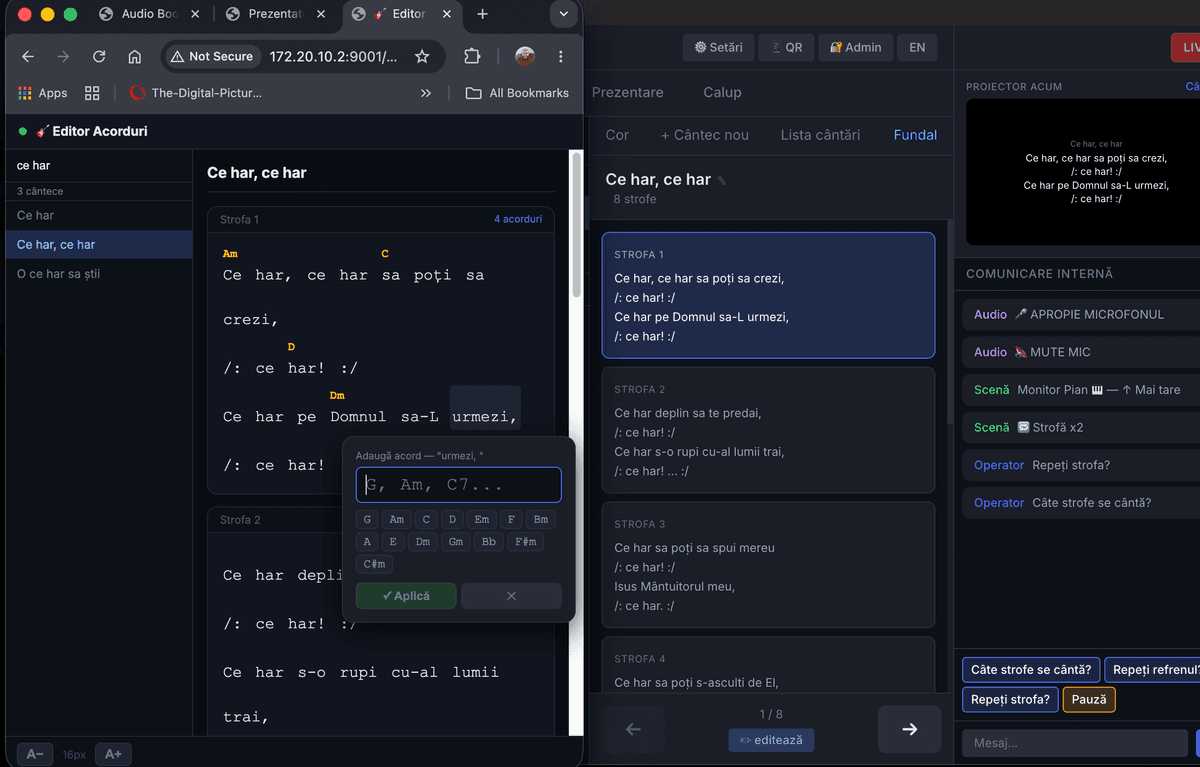
Usage statistics, duplicate detection, chord charts per verse, tags and categories. Automatic backup at each session.
- ✓ Statistics: most sung, frequency
- ✓ Duplicate detection by title or content
- ✓ Chord editor per verse
- ✓ Tags: Praise, Prayer, Baptism, etc.
- ✓ Backup and import/export database
Simple and transparent.
Try it free for 60 days with every feature. Then a single annual license — no monthly subscription, no hidden costs.
- ✓ Every feature, no limitations
- ✓ No account, no credit card
- ✓ Optional library: 3,000+ songs and the Bible
- ✓ Works without internet
- ✓ Activate a license at the end — your data stays intact
- ✓ Every feature
- ✓ Install on 2 computers
- ✓ Updates included during the license term
- ✓ Online check only once every 30 days
- ✓ Email support
- ✓ Full refund within 30 days
Ready for Sunday.
2-minute setup. The song library and the Bible are an optional one-click download. The first 60 days are free.
Windows: if you see “Windows protected your PC”, click “More info” → “Run anyway”.
macOS: on first launch, go to System Settings → Privacy & Security → “Open Anyway”.